
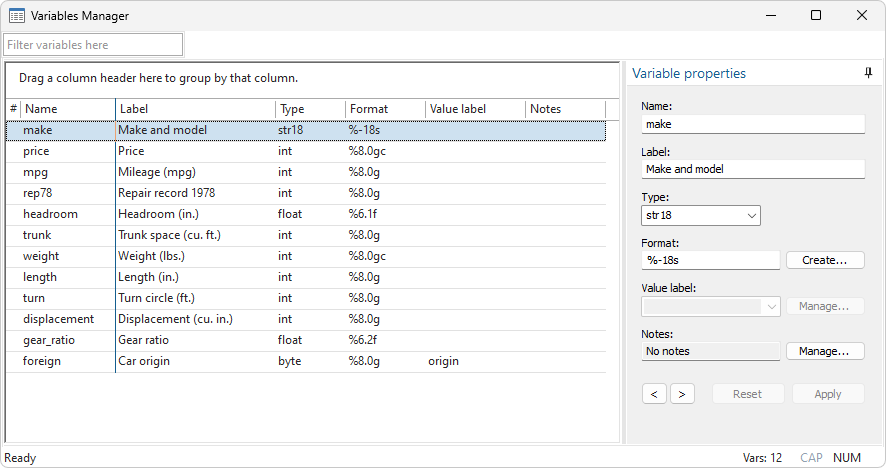
Stata’s Variables Manager makes organizing your dataset a snap. Create variable and value labels, rename variables, change display formats, and manage notes. Actions taken in the Variables Manager produce commands that could be typed in the Command window, providing an audit trail for changes you make to the dataset.
Features include the following:
View variable names, labels, storage types, formats, and value labels in a convenient table. Click on a column heading to sort variables based on that column's information. Sorting columns does not affect the dataset.
Reorder columns in the table by dragging.
Filter variables by entering text in the filter box in the upper left corner. Focus on similarly named or labeled variables.
Select one or more variables in the table. Then you can
Edit variable properties—name, label, type, format, value label.
Keep or drop selected variables.
Manage notes for a variable or the dataset.
Copy the variable names as a varlist to the Clipboard.
Send the variable names to the Command window to include with a command.


