Stata is easy to use
- Stata has a topical index built into the online help system.
- Stata has an easy-to-use point-and-click
interface providing access to its commands.
- Stata also has a simple, consistent command syntax.
- Here’s how you do an OLS regression using a command:
. regress mvalue gender age income educ1-educ6
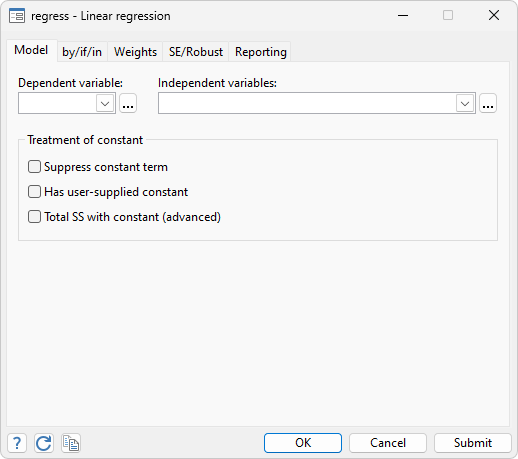
You can also do an OLS regression using a
dialog box.
- Most commands have the same syntax, whether the command fits a model,
produces descriptive statistics, or performs a data-management task:
. summarize age income
. tabulate age
. logit outcome gender status exp if age>29
. scatter income educ if state=="Texas"
. drop if age <= 29
. by gender: tabulate case exposure
. by agegrp: summarize income yrswk
All of these operations can also be performed using dialog boxes.
Tell me more. Show me the sample session for
Windows,
Mac, or
Unix.




